Important Notices
- 2026年09月07日
- 令和8年台風第24号及び前線による大雨に伴う支援について
- 2026年08月31日
- 令和8年8月27日からの大雨に伴う支援について
- 2026年08月21日
- 令和8年7月17日から18日にかけての大雨に伴う支援について
- 2026年08月14日
- 令和8年8月13日からの大雨に伴う支援について
- 2026年07月29日
- 令和8年熊本地震に伴う支援について

Find the perfect
plan for you
Some properties offer free or discounted options!
New customers
 Applications and Inquiries
电话咨询
050-1722-1733
9:00-18:00【全年无休】/有翻译
日本語での通話は
こちら
신청·문의
050-1722-1733
9:00-18:00【연중무휴】/통역 있음
日本語での通話は
こちら
Ứng dụng / Yêu cầu
050-1722-1733
9:00-18:00【mở cửa quanh năm】/có phiên dịch
日本語での通話は
こちら
आवेदन / सम्पर्क
050-1722-1733
9:00-18:00【वर्षभरि खुला】/दुभाषे उपलब्ध
日本語での通話は
こちら
 Inquiries
Find the perfect
plan for you
Some properties offer free or discounted options!
You are currently logged in with your personal ID.
For User
Introducing recommended information

Hot Topics


make life comfortable
various services
live your ideal life
At J:COM
Live with a variety of services
More fun and convenient.
J:COM is suitable for you
Find a plan.

 TV
TV
 Internet
 Mobile
 electricity


 Services for corporations and local governments
With your preferred service
Free combination!


Recommended plans are here
PricingEasy price check!
Savings calculator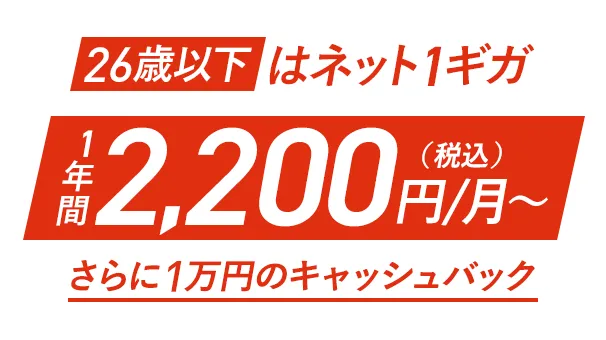

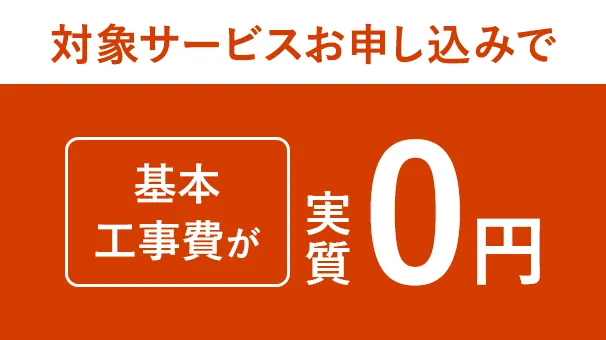
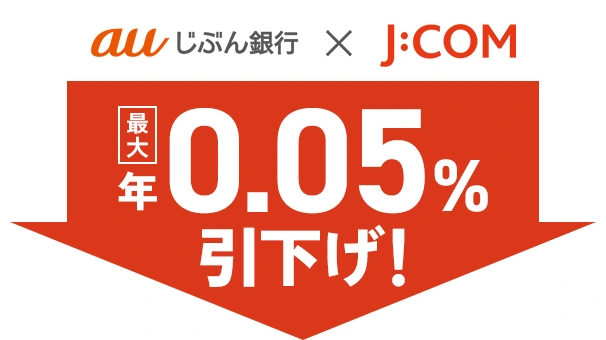




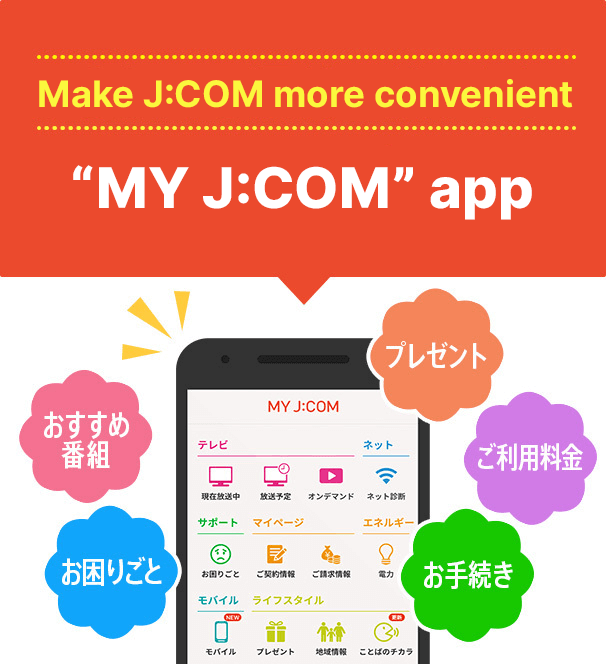




Customer feedback

If you are considering signing up or adding services
Sign Up information
Find the perfect
plan for you
Some properties offer free or discounted options!
If you are considering signing up or adding services
Sign Up information
New customers
电话咨询
050-1722-1733
9:00-18:00【全年无休】/有翻译
日本語での通話は
こちら
신청·문의
050-1722-1733
9:00-18:00【연중무휴】/통역 있음
日本語での通話は
こちら
Ứng dụng / Yêu cầu
050-1722-1733
9:00-18:00【mở cửa quanh năm】/có phiên dịch
日本語での通話は
こちら
आवेदन / सम्पर्क
050-1722-1733
9:00-18:00【वर्षभरि खुला】/दुभाषे उपलब्ध
日本語での通話は
こちら
Find the perfect
plan for you
Some properties offer free or discounted options!
We will answer any questions you may have
Notice from J:COM
- important
notice - notice
- その他2026年09月11日
- J:COMのフリーコールが掲載された詐欺メールにご注意ください
- メンテ2026年09月10日
- 【9月14日(月) AM1:00~】システムメンテナンスに伴うWebページ閲覧停止のお知らせ
- その他2026年09月04日
- 【お知らせ】令和8年 台風24号の影響による弊社サービス状況について
- MOBILE2026年09月14日
- Regarding software updates for “AQUOS sense8”
- メンテ2026年09月07日
- 9/16(水) WOWOWシステムメンテナンスに伴うご視聴開始への影響について
- 電力2026年09月01日
- 【J:COMでんき/電力】2026年9月分(10月検針分)の燃料費等調整単価について
- TV2026年09月01日
- J:COMまとめ請求 for Disney+に関する利用規約の改定について
- TV2026年09月01日
- J:COMまとめ請求 for Netflixに関する利用規約の改定について
- TV2026年09月01日
- まとめ請求(DAZN)に関する利用規約の改定について
Shop/Online Room


J:COM broadcasting regional channels


Sustainability
At J:COM, we will work on sustainability management to fulfill the four promises born from our corporate philosophy and SDGs. Click here for details
[About the amount including tax]
- The listed amounts include tax unless otherwise specified.
- Consumption tax differences may occur due to changes in the consumption tax rounding method under the invoice system.