Find the perfect
plan for you
Some properties offer free or discounted options!
New customers
 Applications and Inquiries
电话咨询
050-1722-1733
9:00-18:00【全年无休】/有翻译
日本語での通話は
こちら
신청·문의
050-1722-1733
9:00-18:00【연중무휴】/통역 있음
日本語での通話は
こちら
Ứng dụng / Yêu cầu
050-1722-1733
9:00-18:00【mở cửa quanh năm】/có phiên dịch
日本語での通話は
こちら
Solicitação/Consultas
050-1722-1733
9:00-18:00【aberto todo o ano】/com intérprete
日本語での通話は
こちら
 Inquiries
Find the perfect
plan for you
Some properties offer free or discounted options!
You are currently logged in with your personal ID.
For User
Introducing recommended information

Hot Topics


make life comfortable
various services
live your ideal life
At J:COM
Live with a variety of services
More fun and convenient.
J:COM is suitable for you
Find a plan.

 TV
TV
 Internet
 Mobile
 electricity


 Services for corporations and local governments
With your preferred service
Free combination!


Recommended plans are here
PricingEasy price check!
Savings calculator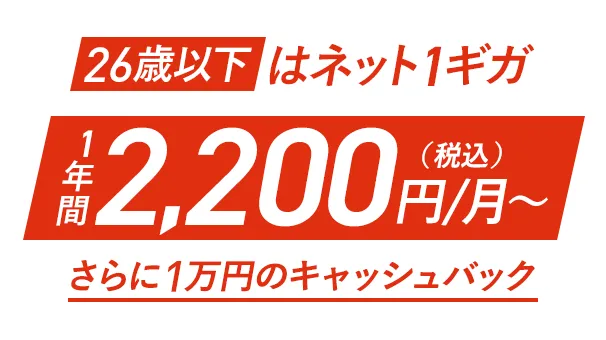


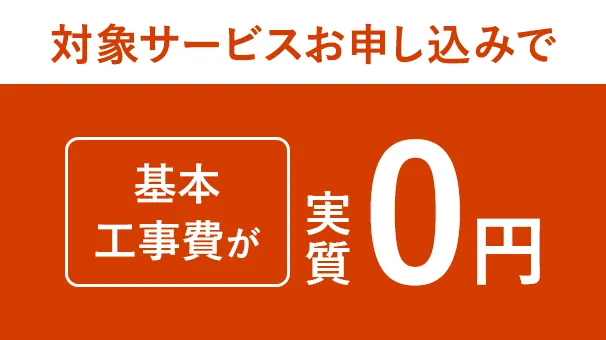
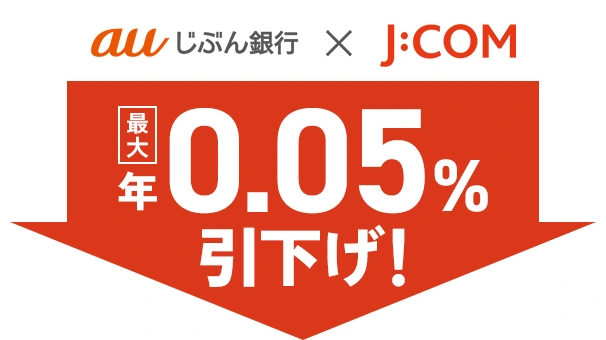
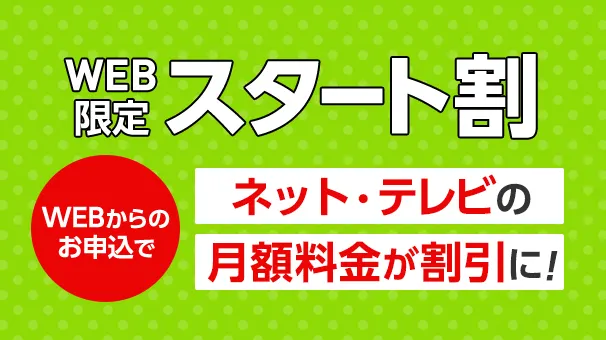







Customer feedback

If you are considering signing up or adding services
Sign Up information
Find the perfect
plan for you
Some properties offer free or discounted options!
If you are considering signing up or adding services
Sign Up information
New customers
电话咨询
050-1722-1733
9:00-18:00【全年无休】/有翻译
日本語での通話は
こちら
신청·문의
050-1722-1733
9:00-18:00【연중무휴】/통역 있음
日本語での通話は
こちら
Ứng dụng / Yêu cầu
050-1722-1733
9:00-18:00【mở cửa quanh năm】/có phiên dịch
日本語での通話は
こちら
Solicitação/Consultas
050-1722-1733
9:00-18:00【aberto todo o ano】/com intérprete
日本語での通話は
こちら
Find the perfect
plan for you
Some properties offer free or discounted options!
We will answer any questions you may have
Notice from J:COM
- important
notice - notice
- PHONE May 8, 2026
- [J:COM PHONE] Notice of Price Revision and Free Provision of Automatic Spam Call Blocking
- Other May 7, 2026
- Notice of Revision to Invoice Issuance Fees
- Other May 6, 2026
- [J:COM Electricity/Electricity/ J:COM GAS] Changes to Terms and Conditions
- MOBILE June 8, 2026
- Regarding software updates for “AQUOS sense8”
- MOBILE June 4, 2026
- Regarding software updates for "AQUOS sense9"
- Maintenance scheduled for June 3, 2026.
- [Inzai City, Shiroi City, Funabashi City, Chiba Prefecture] Notice of Maintenance for BS/CS Digital Broadcasting Equipment
- Other, June 2, 2026
- [Notice] Regarding the status of our services due to the effects of Typhoon No. 6 in 2026
- Electricity June 1, 2026
- [J:COM Electricity] Regarding the fuel cost adjustment unit price for June 2026 (meter reading in July)
- TV June 1, 2026
- Regarding the start of broadcasting of "Dlife," "Disney Channel," "Disney Junior," and "National Geographic" on J:COM TV Shin Standard
Shop/Online Room


J:COM放送の地域チャンネル


Sustainability
At J:COM, we will work on sustainability management to fulfill the four promises born from our corporate philosophy and SDGs. Click here for details
[About the amount including tax]
- The listed amounts include tax unless otherwise specified.
- Consumption tax differences may occur due to changes in the consumption tax rounding method under the invoice system.