Flow of Telemedicine
(When using J:COM Telemedicine /TV)
Flow of medical treatment when using on TV
I'll guide you.
New users
User Registration
Download the app
Downloadthe user registration app.
Contact us by phone
(Free call)
0120-934-970
9:00-18:00 [Open all year round]
 Those who wish to receive medical treatment using their smartphone

Medical treatment flow
-
STEP 1Reservation
Search for a medical institution by name or area, and make a reservation for your desired appointment date.- You can register your health insurance card using your smartphone or by taking a picture of it with a webcam.
(May not be necessary for self-pay treatments. Health insurance cards cannot be used for appointments made from December 2025 onwards.)
- You can register your health insurance card using your smartphone or by taking a picture of it with a webcam.
-
STEP 2 Interview
Please answer the questionnaire before your consultation. -

STEP 3Examination
We will inform you on the TV screen 5 minutes before the reservation time.
Start a video call before your appointment. -

STEP 4Payment
Fees are paid by credit card for each treatment.- Pay medical expenses, shipping fees, and service usage fees in one lump sum.
-

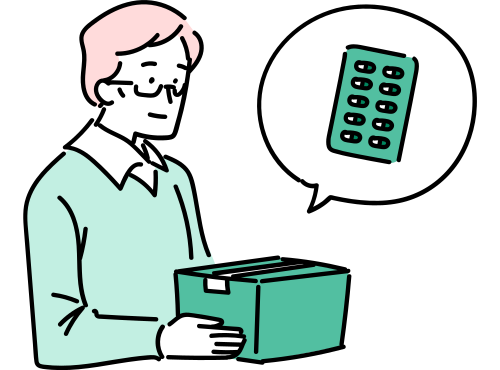
STEP 5Receive your medicine/prescription
What is the medicine receiving service?
If you use the medicine pick-up service, you can have your prescription sent to the pharmacy of your choice and receive the medicine at home as you wish.How to receive the medicine varies depending on the medical institution/pharmacy.
If you are a minor, it is recommended that your guardian be present if necessary.
How to use on TV
Please refer to the Start Guide (PDF).
Please refer to the Getting Started Guide for details.
New users
User Registration
Download the app
Downloadthe user registration app.
Contact us by phone
(Free call)
0120-934-970
9:00-18:00 [Open all year round]
[About the amount including tax]
- The listed amounts include tax unless otherwise specified.
- Consumption tax differences may occur due to changes in the consumption tax rounding method under the invoice system.